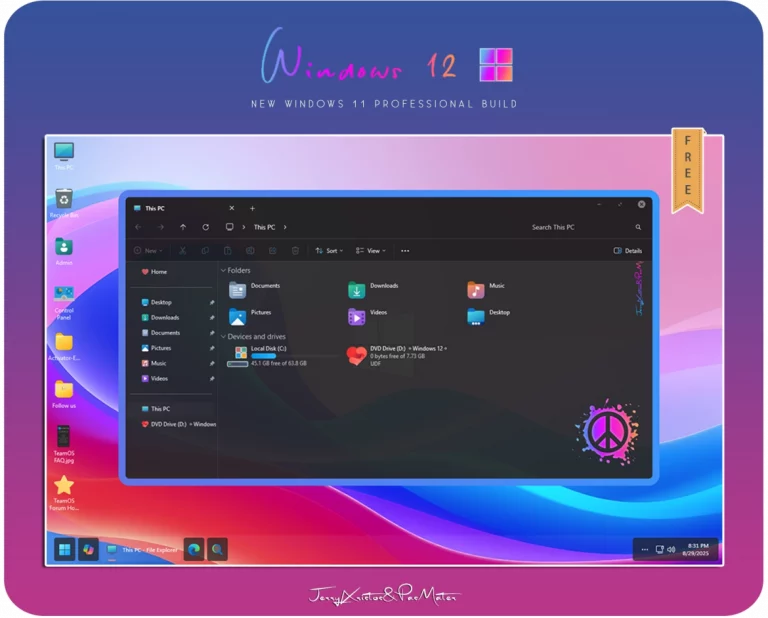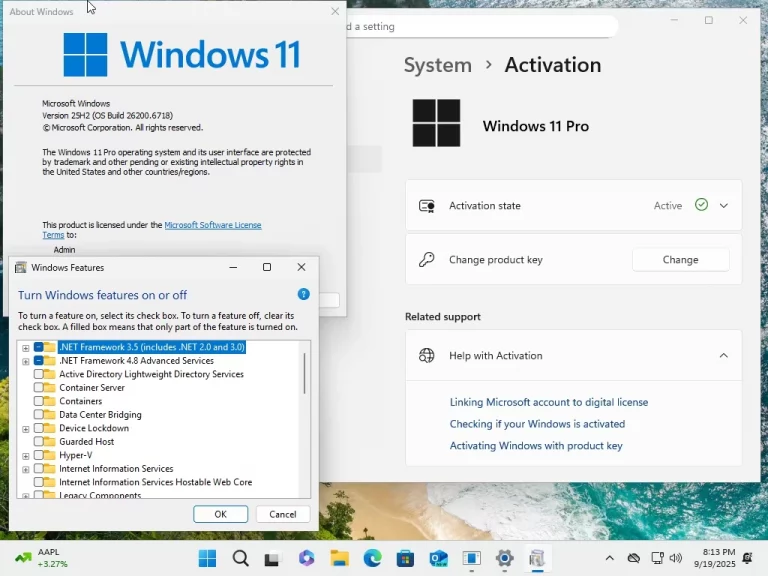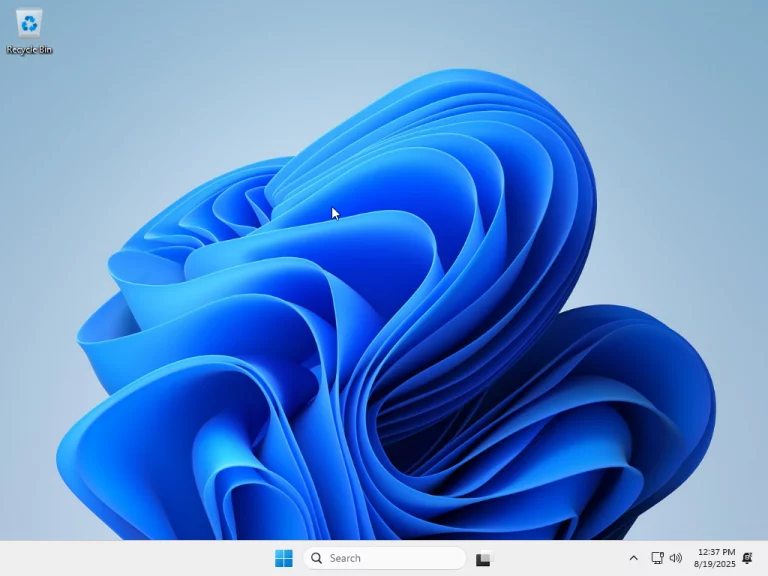

Fluent 11 Edition – Windows 11 Pro v25H2 Build 26200.7462 is a customized and optimized Windows 11 distribution designed for users who value a modern Fluent Design interface, improved performance, and a cleaner operating system experience. Based on the latest Windows 11 Pro v25H2 platform, this edition focuses on usability, visual consistency, and system responsiveness while removing unnecessary components that can slow down everyday workflows.
This build is especially suitable for advanced users, creators, and performance-focused environments where stability and efficiency matter more than bundled consumer apps.
What Is Fluent 11 Edition?
Fluent 11 Edition is a refined version of Windows 11 Pro, built on Build 26200.7462, which belongs to the Windows 11 v25H2 development branch. The edition emphasizes Microsoft’s Fluent Design principles while streamlining system components to reduce background activity, improve boot times, and lower resource consumption.
Unlike the stock Windows 11 Pro installation, Fluent 11 Edition removes many preinstalled apps and legacy elements that are rarely used, resulting in a cleaner and more professional operating system.
Key New Features in Fluent 11 Edition v25H2
Refined Fluent Design Interface
This build delivers a more consistent Fluent Design experience across system elements, including menus, dialogs, and system panels. Transparency effects, rounded corners, and smooth animations are optimized for better visual balance without impacting performance.
Performance and System Responsiveness Improvements
Windows 11 Pro v25H2 introduces internal optimizations that improve CPU scheduling, memory handling, and background task management. Fluent 11 Edition builds on these improvements by further reducing unnecessary background services.
Improved Stability and Security Base
Based on a newer Windows core, Build 26200.7462 benefits from updated security mechanisms, system integrity enhancements, and refined update handling. This ensures better long-term stability compared to older Windows 11 releases.
Optimized System Footprint
By minimizing bundled software and disabling non-essential services, Fluent 11 Edition delivers faster startup times and a more responsive desktop experience, especially on mid-range or older hardware.
Pro-Level Features Retained
As a Windows 11 Pro–based edition, it retains professional features such as advanced networking options, group policy support, BitLocker compatibility, and enterprise-grade system controls.
Removed and Deprecated Features
To maintain a lightweight and distraction-free environment, Fluent 11 Edition removes or disables several legacy and consumer-oriented components commonly found in standard Windows installations.
Removed Preinstalled Apps
Many default Microsoft Store applications, such as casual games, promotional apps, and non-essential consumer tools, are removed to reduce system clutter.
Disabled Legacy Background Services
Unused or outdated background services that are rarely required by modern users are disabled or removed, helping lower CPU and RAM usage.
Reduced Telemetry and Advertising Components
Certain telemetry services and built-in advertising elements are minimized to provide a cleaner user experience and improved privacy control.
Legacy Interface Elements
Older UI components that do not align with Fluent Design standards are removed or replaced, resulting in a more uniform and modern interface across the operating system.
ScreenShot