
Porcelain 11 – Windows 11 Pro v25H2 Build 26200.7462 is a streamlined and performance-oriented custom Windows build based on the latest Windows 11 Pro platform. This edition is designed for users who prefer a clean interface, reduced system bloat, and modern Windows features without unnecessary consumer-focused components.
Built on Windows 11 Pro v25H2, Porcelain 11 combines updated core technologies with careful removal of legacy and background elements, resulting in a faster, more responsive, and visually consistent operating system.
What Is Porcelain 11?
Porcelain 11 is a modified version of Windows 11 Pro v25H2, built on Build 26200.7462, focusing on usability, performance, and long-term stability. It retains essential Pro features while eliminating distractions and resource-heavy background processes commonly found in standard Windows installations.
This edition is suitable for power users, creators, and professionals who want a modern Windows experience with fewer interruptions and better system efficiency.
New Features and Improvements
- Updated Windows 11 v25H2 system core
- Improved CPU scheduling and memory management
- Faster boot and shutdown performance
- Refined Fluent Design consistency across UI elements
- Smoother window animations and transitions
- Improved system stability under heavy workloads
- Enhanced security foundation from newer Windows builds
- Better hardware compatibility and driver handling
- Reduced background activity for improved responsiveness
- Optimized update handling and system maintenance
Removed and Disabled Features
- Preinstalled consumer and promotional applications
- Microsoft Store and unnecessary UWP apps
- Xbox services and gaming overlays
- Cortana and legacy voice features
- OneDrive integration (removed or disabled)
- Background advertising and recommendation services
- Excessive telemetry and data collection components
- Unused cloud-dependent features
- Legacy UI elements inconsistent with modern design
- Automatic installation of suggested apps
Key Advantages of Porcelain 11
- Cleaner and distraction-free Windows environment
- Lower RAM and CPU usage
- Improved system responsiveness
- Minimal background services
- More control over updates and system behavior
- Professional-focused Windows experience
- Suitable for both modern and mid-range hardware
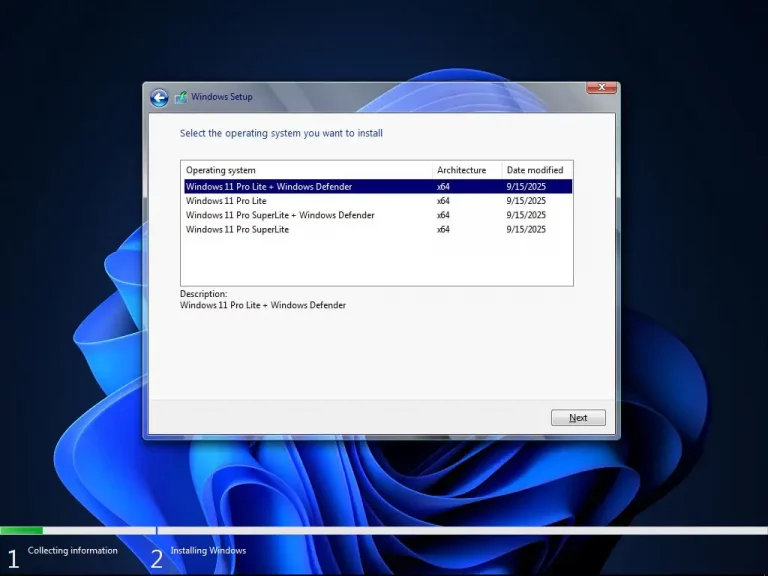
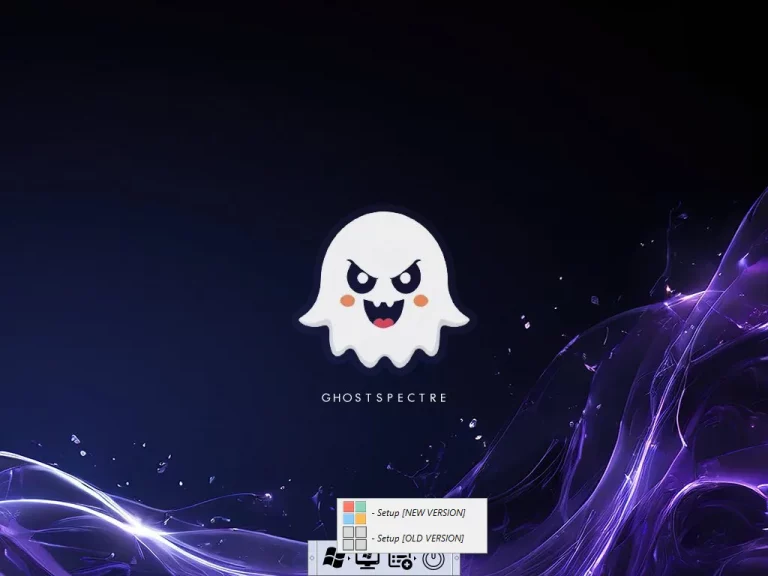
ScreenShot


Download Porcelain 11 – Windows 11 Pro v25H2 Build 26200.7462
Algorithm : SHA256
Hash : 76F1150BE6AE4F326B4339D5CB9242B706408385D840E54FE469664E46D48899
Path : C:\Users\\Desktop\Porcelain 11_ESD.iso
Algorithm : MD5
Hash : 84EB443C2BA1DD986AB0B2573904858D
Path : C:\Users\\Desktop\Porcelain 11_ESD.iso
Algorithm : MD5
Hash : C9265239EB38A3038D2C34994843D069
Path : C:\Users\\Desktop\Porcelain 11.iso
Algorithm : SHA256
Hash : C164314F198D1FDABC2245D3F492B3452C25A265B72E291944D1C317780FA00D
Path : C:\Users\\Desktop\Porcelain 11.iso